Body
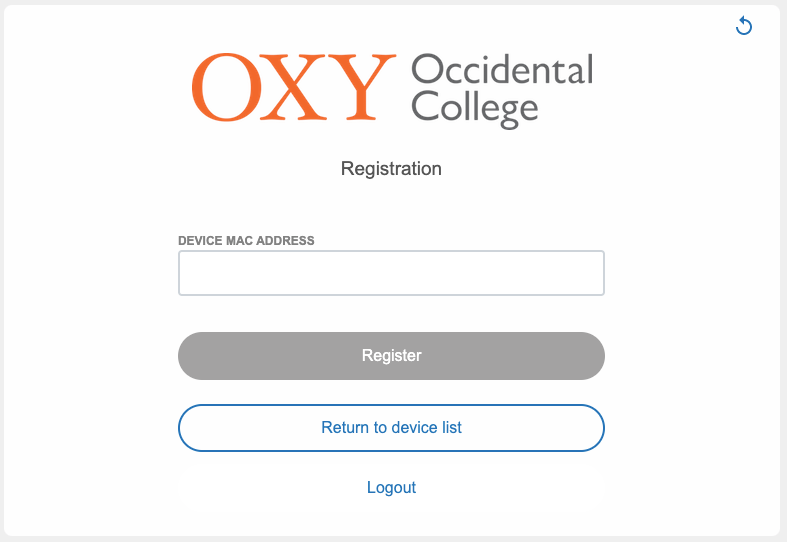
Some devices like gaming systems, smart home devices, and chromecasts, etc. will need to be registered to the wifi by using their device address (i.e., MAC address).
Connect to the oNet wifi on your phone or computer and you will be taken to a registration page on any device that has a web browser. If not, use: https://onet.oxy.edu/device-registration
Log in with your regular Oxy credentials (username only, don't include the "@oxy" part of your email). Find the MAC address of the device you wish to add to the network.
How do I find the MAC address?
Not sure whether you are registered? Check your status here: https://onet.oxy.edu/status/login
Having difficulty? Contact us at helpdesk.oxy.edu